 Cory Zaner
Spin Up Your Own Open-Source Ethical Recon Bench With an AI Bot
Use an AI assistant to drive free, open-source recon and testing tools (Nmap, Nuclei, OpenVAS, ZAP, Amass, Semgrep and more) against what you own, with active scans locked behind a signed scope file.
On this page
Security teams pay serious money for attack-surface and vulnerability platforms. A lot of what those platforms do sits on free, open-source tools you can run yourself. The hard parts are wiring them together, remembering the flags, and making sense of the output.
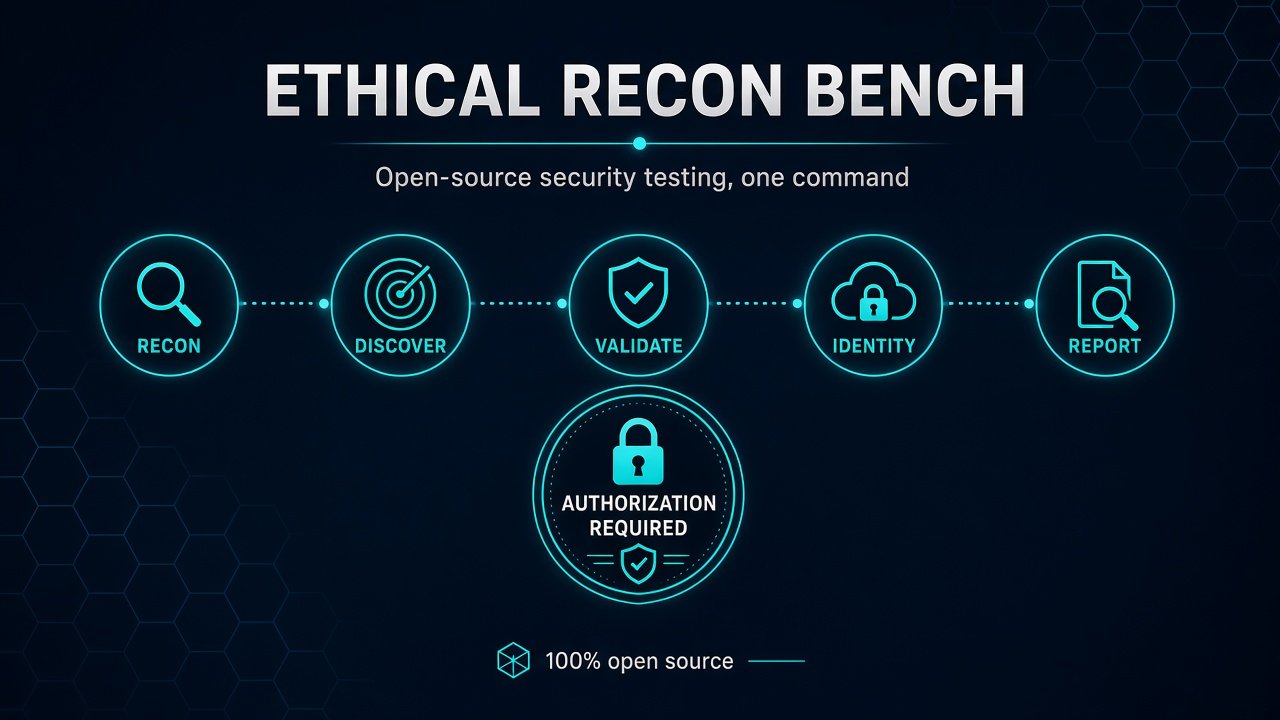
So with the help of my Grok Bot, I built an ethical recon bench: an AI bot that runs open-source scanners for me, explains what they found, and refuses to touch anything I haven’t authorized in writing. I published it as a template you can import, and the bench code is public on GitHub. Here’s how it works and how to set up your own.
First, the rule that matters most#
Only test what you own, or what you have written permission to test.
Scanning someone else’s systems without permission can break the law, including the U.S. Computer Fraud and Abuse Act and similar laws elsewhere. It can also break your hosting or ISP terms. “I was just looking” isn’t a defense. The bench below is built so active scans stay locked until you’ve written down and signed a scope. Treat that step as the most important one, not as paperwork.
What the bench is#
My Grok Bot drives a set of open-source tools on a small Linux machine:
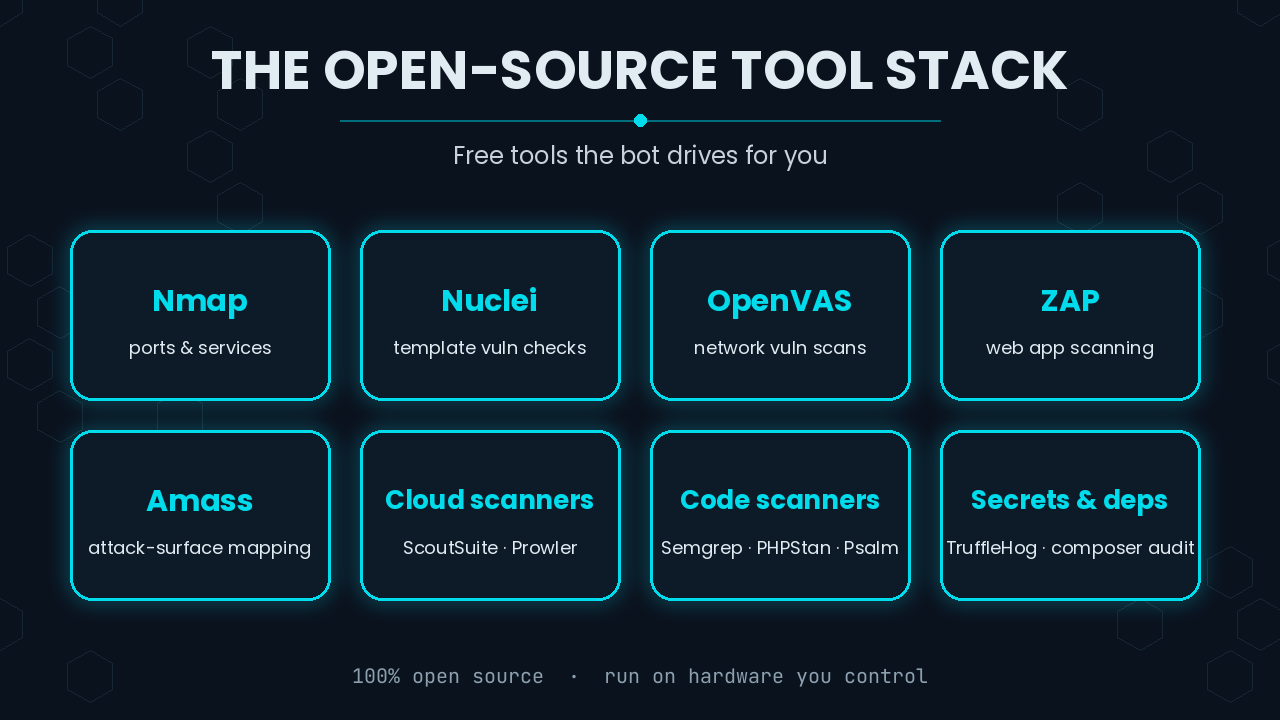
| Job | Tool |
|---|---|
| Port and service discovery | Nmap |
| Template-based vulnerability checks | Nuclei |
| Full network vulnerability scanning | OpenVAS / Greenbone Community Edition |
| Web app scanning | OWASP ZAP |
| Web server and tech fingerprinting | httpx and Nikto |
| Subdomain and attack-surface mapping | OWASP Amass |
| Code scanning | Semgrep |
| PHP static analysis | PHPStan and Psalm |
| Cloud configuration review | ScoutSuite and Prowler |
| Microsoft Entra ID / Azure review | ROADrecon, AADInternals and MicroBurst |
| Dependency and secret checks | composer audit, TruffleHog and Gitleaks |
The cloud and identity tools only run against tenants and accounts you own or administer, under the same signed scope.
It works in two modes:
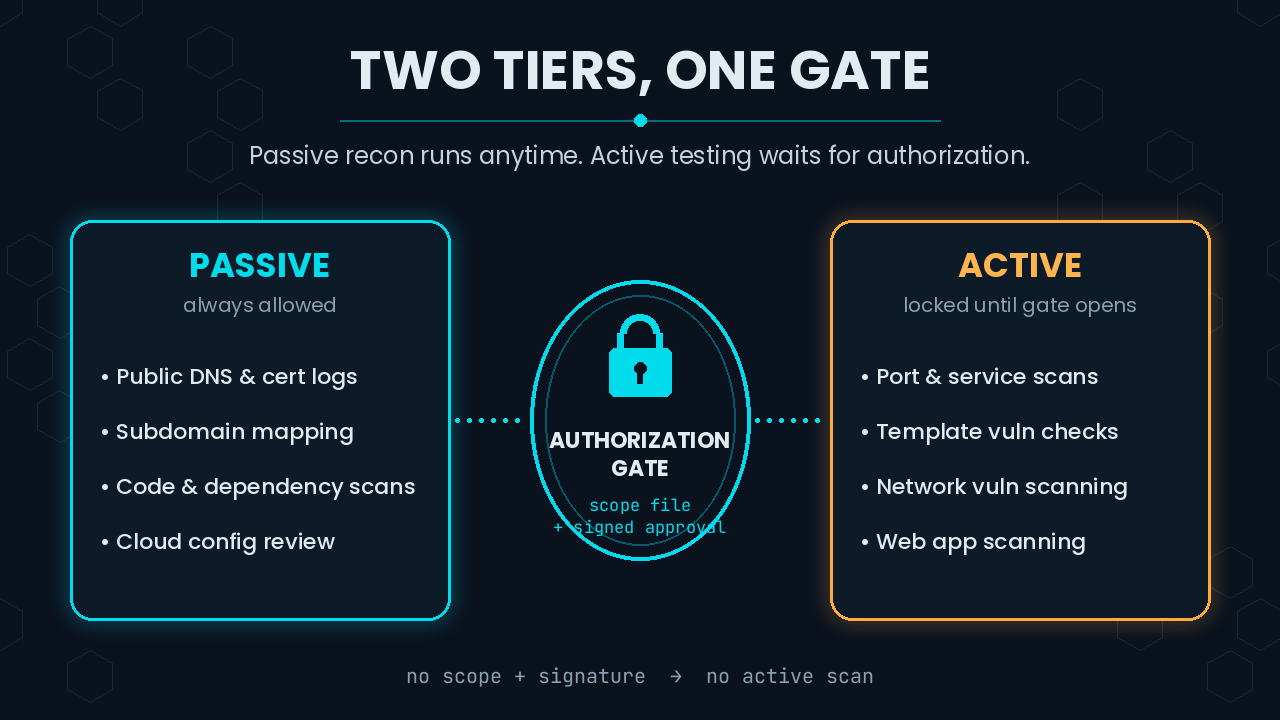
- Passive (free to run any time): public records, DNS, certificate transparency, and subdomain discovery. Nothing touches the target beyond normal public lookups.
- Active (gated): port scans, vulnerability scans, and web app scans that actually send traffic. These stay off until a signed authorization and scope file exists, and the bot only scans what’s listed in it.
Step 1: Open the template and import your copy#
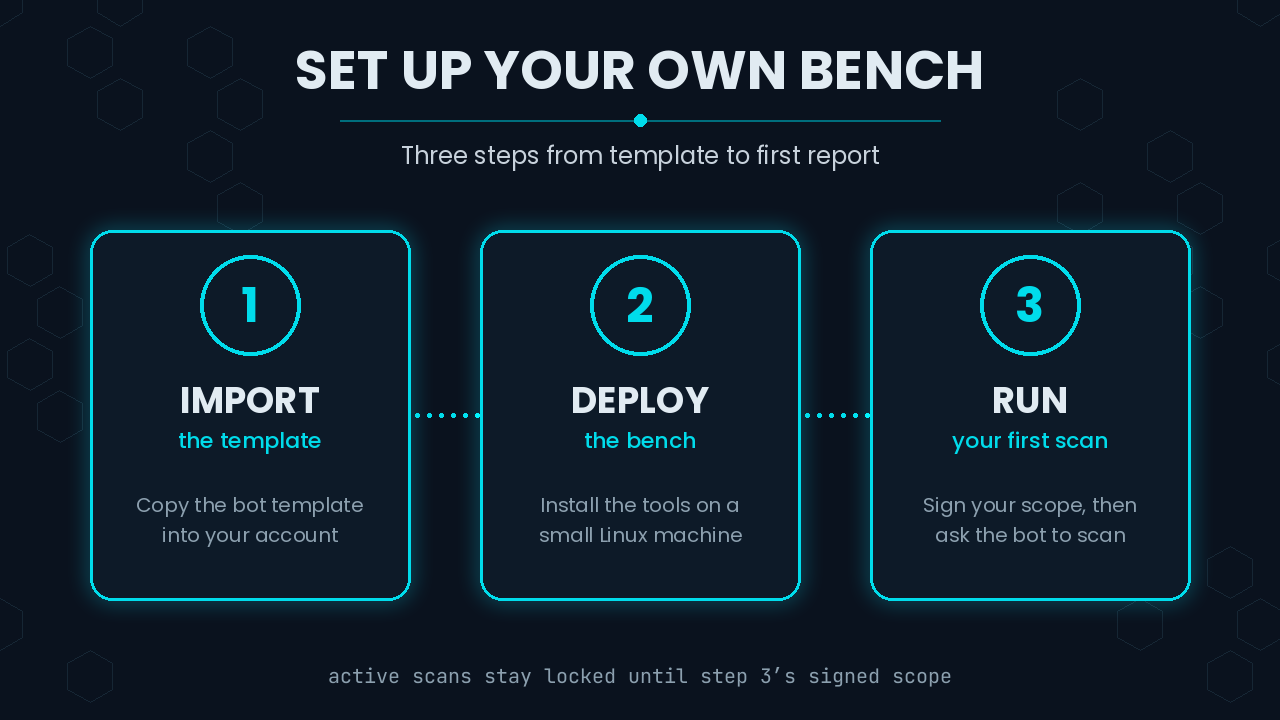
Open my published Recon Bench template. If you’d rather read the code first, the bench itself is in the public recon-bench repo on GitHub.
- The link asks you to sign in to Grok Bot, or create a free account if you don’t have one.
- Import your own copy of the bot. It already knows the tools, the passive/active split, and the scope rules.
Step 2: Let it walk you through getting started#
Once it’s imported, the bot runs its getting-started flow and asks which domain or cloud tenant you own and are authorized to test. Answer honestly. That answer becomes the start of your scope.
Step 3: First run#
1. Confirm what you’re allowed to test. You only test assets you own or are authorized to test.
2. Create and sign your scope file. List exactly what’s in bounds:
- Domains and subdomains you own
- IP ranges you control (your own VM, your home lab)
- Dates and times testing is allowed
- What’s out of bounds (third-party SaaS, shared hosting neighbors, anything you don’t own)
If you’re testing for someone else, get their written sign-off on the same scope first.
3. Run passive recon on your own domain. Starter prompts:
- “Run passive recon on example.com. Summarize subdomains, DNS records and certificates, and flag anything I might have forgotten about.”
- “Which of these subdomains look stale or point at services I may not use anymore?”
- “Explain the findings like I’m a busy admin. What should I fix first?”
4. When you’re ready for active scans (only on what’s in your signed scope):
- “Using my signed scope, run an Nmap service scan on my VM and tell me which open ports I didn’t expect.”
- “Run Nuclei against my staging site and group the findings by severity.”
- “Scan my PHP repo with Semgrep and PHPStan and list the top five issues with fixes.”
The bot should refuse anything outside the scope file. Test that: ask it to scan a domain you don’t own. It should say no.
Where it shines: finding and fixing PHP flaws in code you own#
I run PHP sites myself, so I made sure this bench covers both the outside and the inside.
From the outside (active, inside your signed scope), httpx, Nuclei and Nikto fingerprint the PHP stack and CMS (Drupal, WordPress and similar) and check for:
- Known CVEs in PHP apps and CMS plugins. One example is CVE-2024-4577, a critical PHP-CGI argument-injection bug on Windows servers that attackers exploited in the wild.
- An exposed
phpinfo()page - Leaked
.envor config files sitting in the web root
From the inside (your own repo), static analysis catches common PHP bugs before they ship:
- Semgrep, PHPStan and Psalm flag SQL injection, cross-site scripting (XSS), insecure deserialization and path traversal.
composer auditflags PHP dependencies with known vulnerabilities.
A practical loop: scan, ask the bot to explain each finding in plain English and suggest the fix, patch it, then re-scan to confirm it’s gone.
What it costs#
- Software: about $0. Every tool above is open source.
- Hardware: a small VM at roughly $5–20 a month, or free on spare hardware you already own. OpenVAS is the heaviest piece, so give it more RAM if you run it.
- Commercial comparison: a comparable commercial stack can run into the thousands or tens of thousands of dollars a year, versus $0 in licensing here. For one public reference point, Tenable Nessus Professional lists at $4,790 a year for one scanner. Burp Suite Professional is a paid subscription priced per user. Enterprise cloud-security and code-scanning platforms are usually sold by custom quote.
The free bench won’t replace a mature enterprise program. It does give a small business, a home-lab owner, or a learner real visibility for close to nothing.
Keep it clean#
- Run the bench on its own VM, not your daily laptop.
- Keep scan output private. It’s a map of your weak spots.
- Never paste secrets, keys or customer data into prompts.
- Re-sign the scope when anything changes.
Bottom line#
An AI bot doesn’t make you a pen tester. It does lower the friction of running good open-source tools against your own stuff and understanding what they say. Start passive, write your scope down, and only go active on what you own.